Free LUT Pack for Video Editors

Cinematic LUTs for
Video Editors.

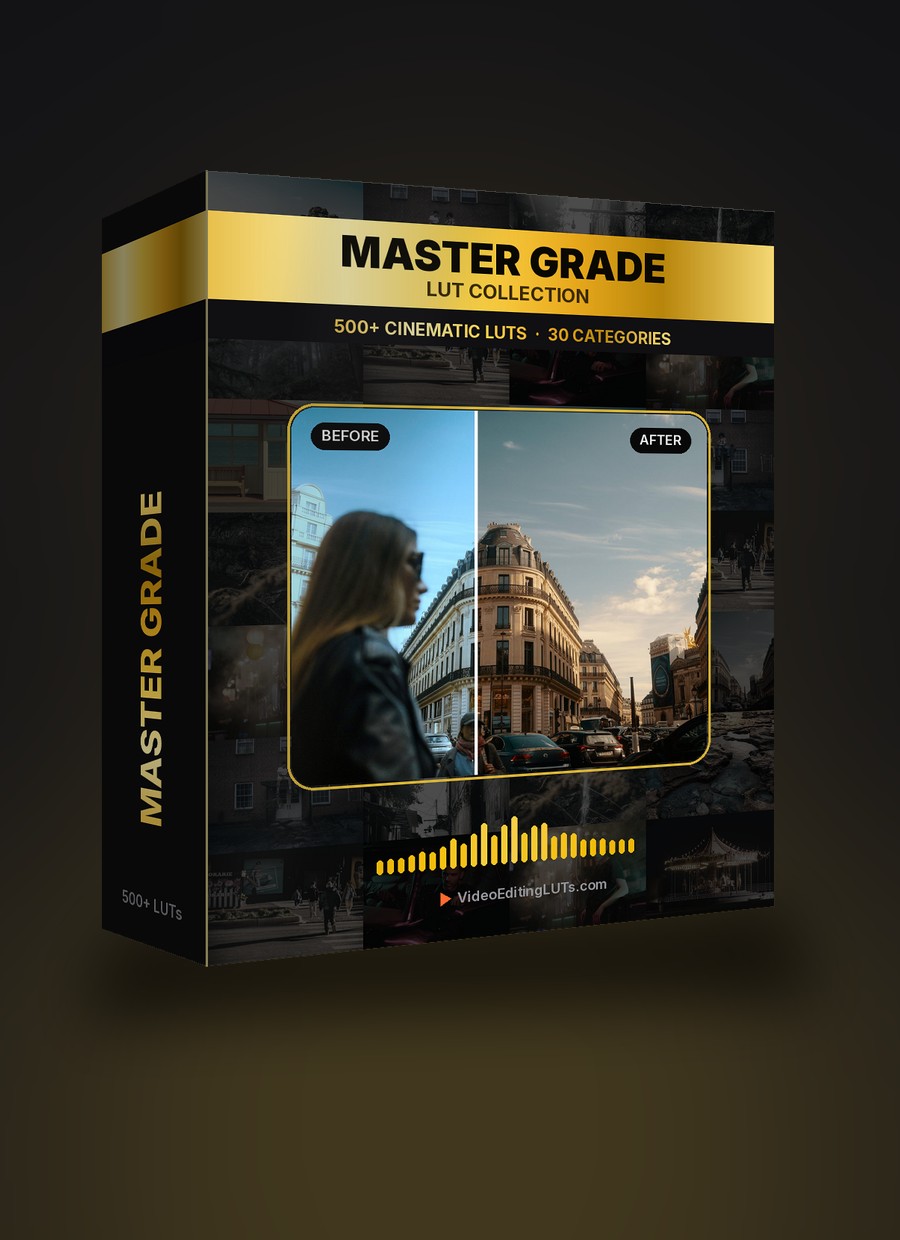
12 free professional LUTs designed for video editors. One-click cinematic, warm, moody, and retro looks. Works in Premiere Pro, DaVinci Resolve, Final Cut Pro, CapCut, and more.

12 LUTs
Free Pack
.cube
Universal Format
4+ Editors
Supported
$0
Free Forever
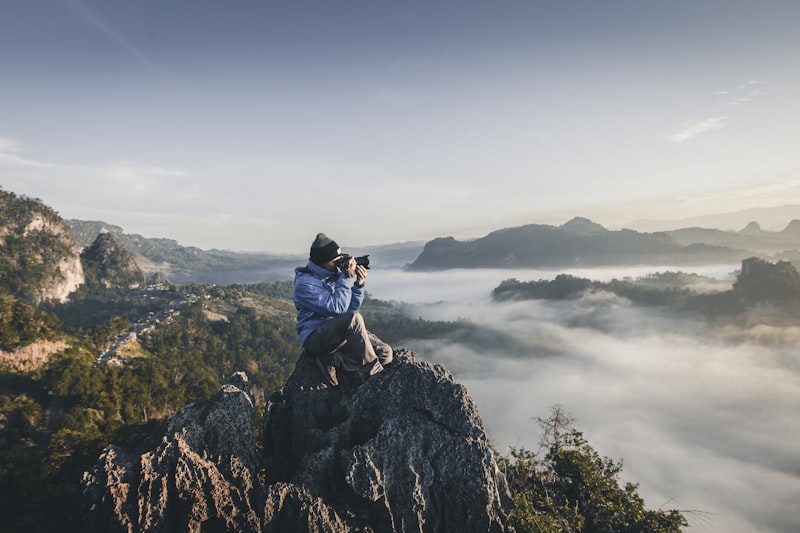
Cinematic orange teal LUT applied to mountain landscape — free YouTube color grading preset VEL_Classic_Teal_Orange.cube
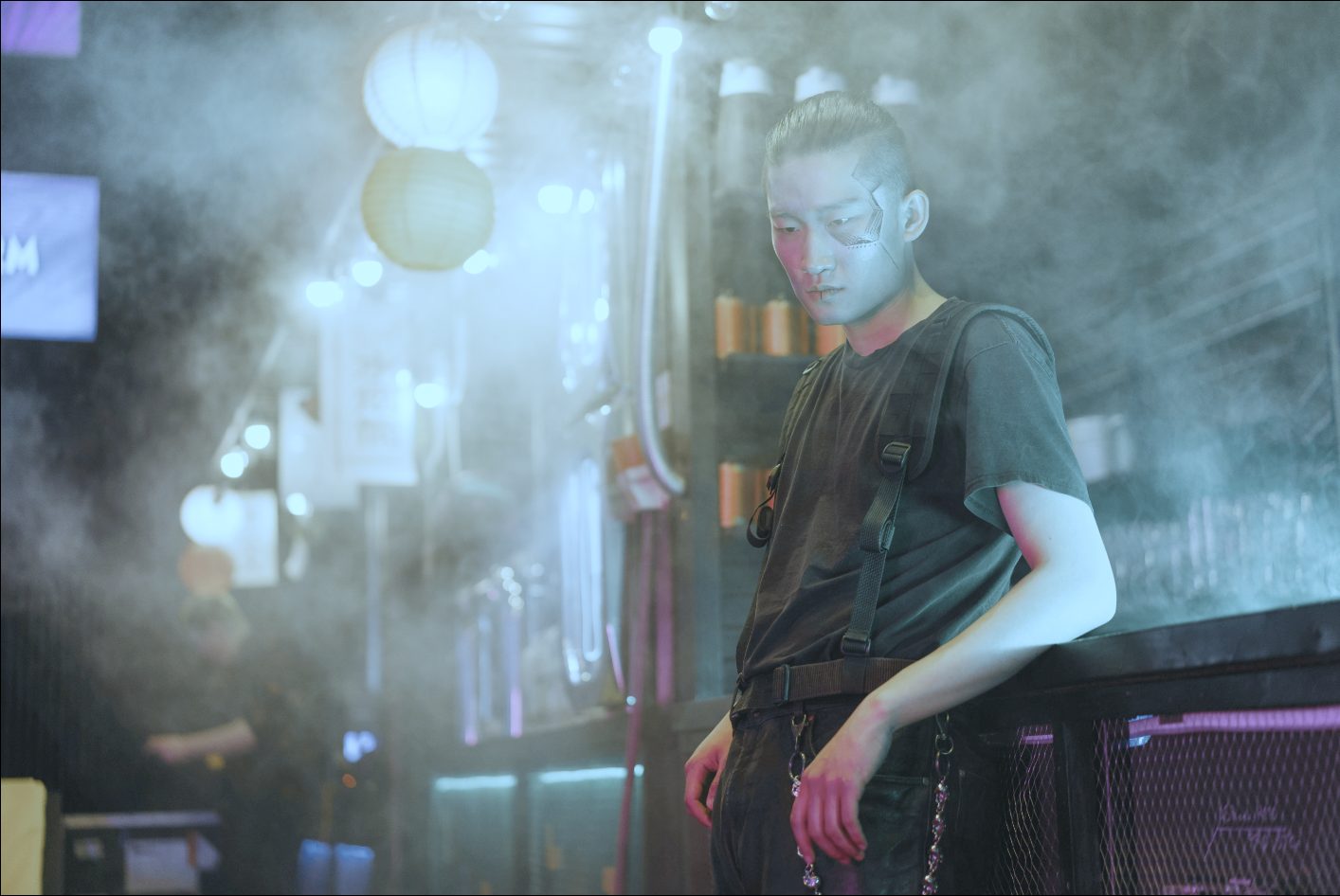
Moody dark LUT applied to cityscape — free YouTube color grading preset YT_Moody_Dark.cube
Warm golden vlog LUT applied to landscape — free YouTube color grading preset VEL_Film_Print_01.cube
Before & After

One Click.
Completely Different Footage.

Transform flat, ungraded footage into cinematic color in a single click. No manual color grading skills needed.

Paris street scene before color grading Before
Paris street scene after applying cinematic LUT After LUT
Portrait before color grading Before
Portrait after applying cinematic LUT After LUT
Car before color grading Before
Car after applying cinematic LUT After LUT
12 Free Styles

Every Look Your
Videos Need.

From classic Hollywood grades to vintage film prints — 12 hand-picked LUTs covering every style and mood.

Classic teal and orange LUT — Hollywood cinematic color grade
Cinematic
Classic Teal & Orange
The iconic Hollywood blockbuster look
Vintage Chrome LUT — timeless film chrome color grade
Vintage
Vintage Chrome
Timeless chrome film aesthetic
Film Print LUT — analog film emulation color grade
Film
Film Print 01
Analog film print emulation
Film Print 02 LUT — warm analog film color grade
Film
Film Print 02
Warmer film print variation
Chrome 01 LUT — clean editorial color grade
Editorial
Chrome 01
Crisp, clean editorial grade
Berlin Sky LUT — cool moody northern European color grade
Moody
Berlin Sky
Cool, moody northern European tone
French Comedy LUT — warm pastel French film aesthetic
Warm
French Comedy
Warm pastel French film look
2-Strip Process LUT — retro two-strip color process
Retro
2-Strip Process
Classic two-strip color process
Fade to Green LUT — indie film faded green cast
Indie
Fade to Green
Faded indie film green cast
Skin Tone Shaper LUT — neutral grade optimised for skin tones
Portrait
Skin Tone Shaper
Optimised for natural skin tones
Moody Dark LUT — deep shadows blue tinted darks warm highlights
Moody
Moody Dark
Deep shadows, warm highlights
Matte Fade LUT — lifted blacks low contrast matte look
Matte
Matte Fade
Lifted blacks, faded matte look
Every Type of Video

What are you
filming?

Find the right LUT for your content type. From travel vlogs to cinematic short films — there's a look for every project.

Best LUTs for travel videos - color grading for travel filmmaking
Travel & Adventure
Travel Videos
VEL_Classic_Teal_Orange VEL_Berlin_Sky VEL_Chrome_01
Best LUTs for vlogs - color grading for vlog videos
YouTube & Social
Vlogs
VEL_French_Comedy VEL_Film_Print_01 YT_Matte_Fade
Best LUTs for cinematic short films - professional color grading
Narrative & Film
Short Films
VEL_2Strip_Process YT_Moody_Dark VEL_Film_Print_02
Best LUTs for Instagram Reels and TikTok - social media color grading
Instagram & TikTok
Social Media Reels
YT_Matte_Fade VEL_Chrome_01 VEL_Vintage_Chrome
Best LUTs for dark moody urban videos - street filmmaking color grade
Street & Urban
Dark & Moody
YT_Moody_Dark VEL_Berlin_Sky VEL_Fade_to_Green
Best LUTs for tech reviews and corporate videos - clean color grade
Tech & Corporate
Tech Reviews
VEL_Chrome_01 VEL_Vintage_Chrome VEL_Skin_Tone_Shaper
Universal Compatibility

Works with Every
Major Editor.

Standard .cube format — drag, drop, and color grade in the editor you already use.

Adobe Premiere Pro
Premiere Pro
.cube via Lumetri
Final Cut Pro
Final Cut Pro
.cube import
DaVinci Resolve
DaVinci Resolve
.cube native
CapCut
CapCut
.cube support

Also compatible with After Effects, Filmora, iMovie, Sony Vegas, Avid Media Composer, HitFilm, and any NLE that supports .cube LUT files. Works with footage from any camera — iPhone, Sony, Canon, Fuji, Panasonic, DJI, GoPro, and more.

Quick Start

Color Grade Your Videos
in 60 Seconds.

Step 01
Download the free pack

Enter your email and get instant access to all 12 .cube LUT files. No credit card required.

Step 02
Import into your editor

Open Premiere Pro, Final Cut, DaVinci Resolve, or CapCut and import the .cube file into the color panel.

Step 03
Adjust and export

Apply the LUT, dial the intensity to 60–80%, and export your cinematic YouTube video.

Free Download

12 free cinematic LUTs.
Download
instantly.

Enter your email and get instant access to all 12 professional .cube files. No credit card, no catch.

Instant download. No spam, ever.

VideoEditingLUTs – Free Pack
12 LUTs
Teal & Orange
Vintage Chrome
Film Print 01
Film Print 02
Chrome 01
Berlin Sky
French Comedy
2-Strip Process
Fade to Green
Skin Shaper
Moody Dark
Matte Fade
VEL_Classic_Teal_Orange.cube 1.2 MB
VEL_Vintage_Chrome.cube 1.2 MB
YT_Moody_Dark.cube 1.2 MB
+ 9 more files included
FAQ

Frequently Asked
Questions.

VideoEditingLUTs.com offers a free starter pack of 12 professional .cube LUTs designed specifically for YouTube creators. The pack includes cinematic, warm vlog, clean modern, moody dark, retro film, and black & white looks — covering the most popular YouTube video styles. These LUTs are built from the ground up for YouTube content, unlike generic LUT packs from stock media sites.

All VideoEditingLUTs are in .cube format, the universal standard for color grading presets. They work with Adobe Premiere Pro, Final Cut Pro, DaVinci Resolve, CapCut, After Effects, Filmora, Sony Vegas, iMovie, and any NLE that supports .cube files.

In Premiere Pro, open the Lumetri Color panel, click the dropdown next to the LUT field, select "Browse," and navigate to the .cube file. In Final Cut Pro, go to the Color Inspector and select "Custom LUT." In DaVinci Resolve, right-click in the LUT gallery on the Color page, select "Open File Location," paste the .cube files, and refresh.

Yes. All LUTs from the free starter pack are royalty-free and can be used on any YouTube video, including monetized and commercial content. No attribution required, no licensing fees, no restrictions.

A LUT (Look-Up Table) is a color grading preset that transforms the colors in your video footage with a single click. Instead of spending hours manually adjusting colors, contrast, and tones, you can apply a LUT to instantly get a professional cinematic look. It's the same technique used in Hollywood films and by top YouTube creators like MrBeast, MKBHD, Casey Neistat, and Peter McKinnon.

The orange and teal look is the most popular cinematic color grade used in Hollywood blockbusters and YouTube videos. The easiest way to achieve it is with our free Cinematic Orange & Teal LUT — download the free pack, import "VEL_Classic_Teal_Orange.cube" into your editor, apply it to your footage, and adjust the intensity to around 70% for the most natural result.

Yes. Our YouTube LUTs work with footage from any camera — iPhone, Samsung, GoPro, Sony a7 series, Canon EOS R, Fujifilm, Panasonic Lumix, DJI drones, Blackmagic, RED, and more. For best results, shoot in a flat or log profile if your camera supports it, then apply the LUT in post.

Our free pack includes 12 carefully curated .cube files covering the most popular color grading styles for video editors. Paid packs from sites like FilterGrade, PremiumBeat, or Motion Array cost $15–$100+ and may include more variations, but our free pack covers all the essential looks — cinematic, film print, moody, teal & orange, vintage, and more.